 |
Open Test Framework
|
|
|
Open Test Framework
|
|
| « First step | Overview | Next step » |
Download and install all necessary installers in the following order, see Installation:
SimulationDPduApiMsi_WinXX_X.X.X.XXXXX.msi SetupProdisMcdMsi_WinXX_X.XX.X.msi OtxHtmlScreens_WinXX_X.X.XXXXX.XXXXX.msi OtxHtmlScreens_WinXX_X.X.XXXXX.XXXXX.msi OpenTestFrameworkSetup_WinXX_X.X.X.XXXXX.msi 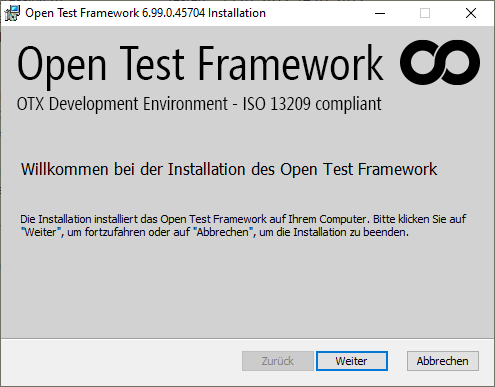 |